Skip to content
ShopOS
SLOOSH

Sloosh is an AI image and video generator. Made by ShopOS.

Make AI product photos, AI ads and image-to-video clips with 20+ models, run ready-made workflows, or let your AI agent do it.

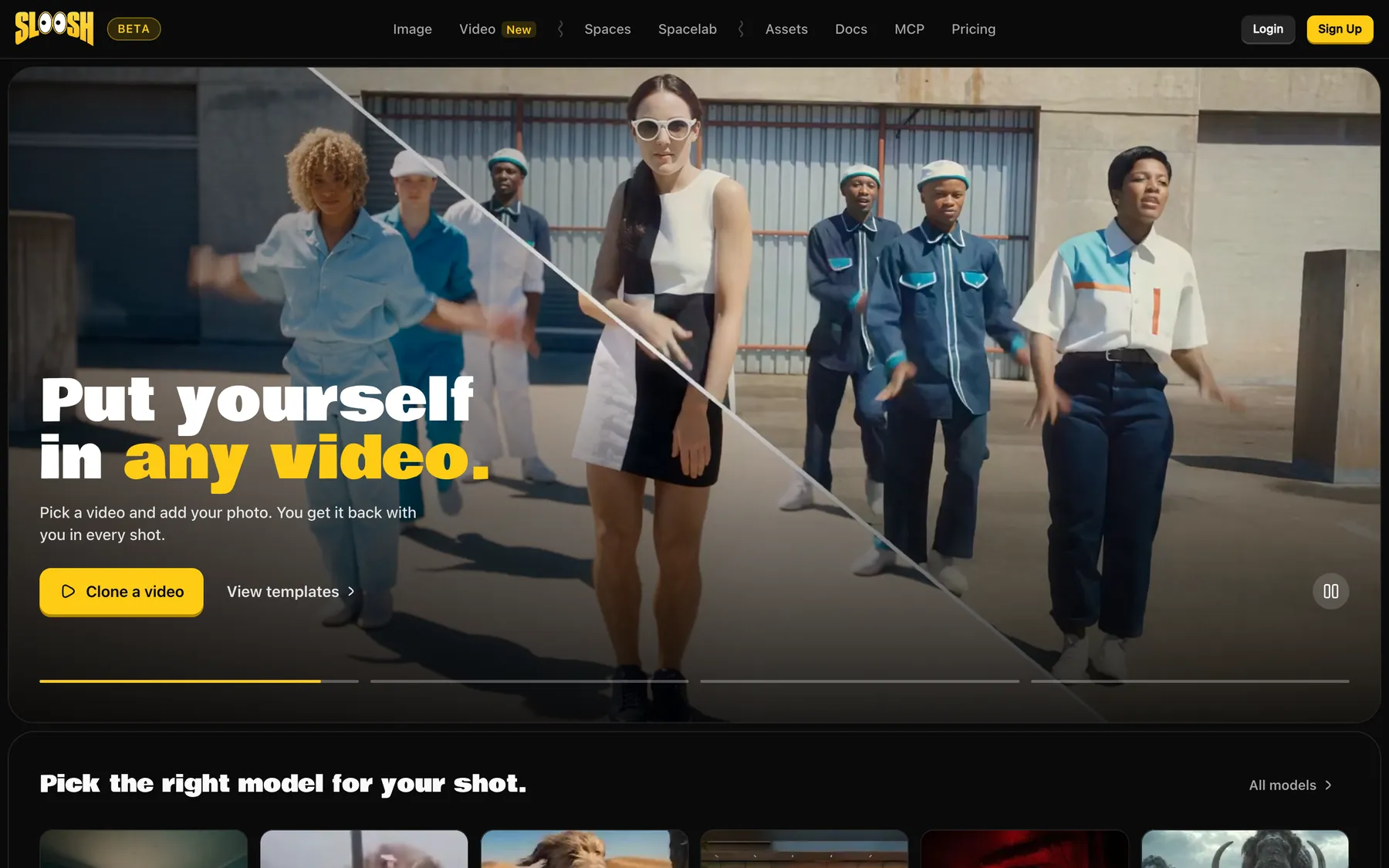
The sloosh.ai home page, with the headline Put yourself in any video and a Clone a video button

For creators

Solo makers who want the top image and video models in one place, paid for with one set of credits.

For brand and ecommerce teams

Teams that need the same kind of shot every time: product photos, ads and catalog sets, run as Spaces and in batches.

How Sloosh makes images and video

SPACES
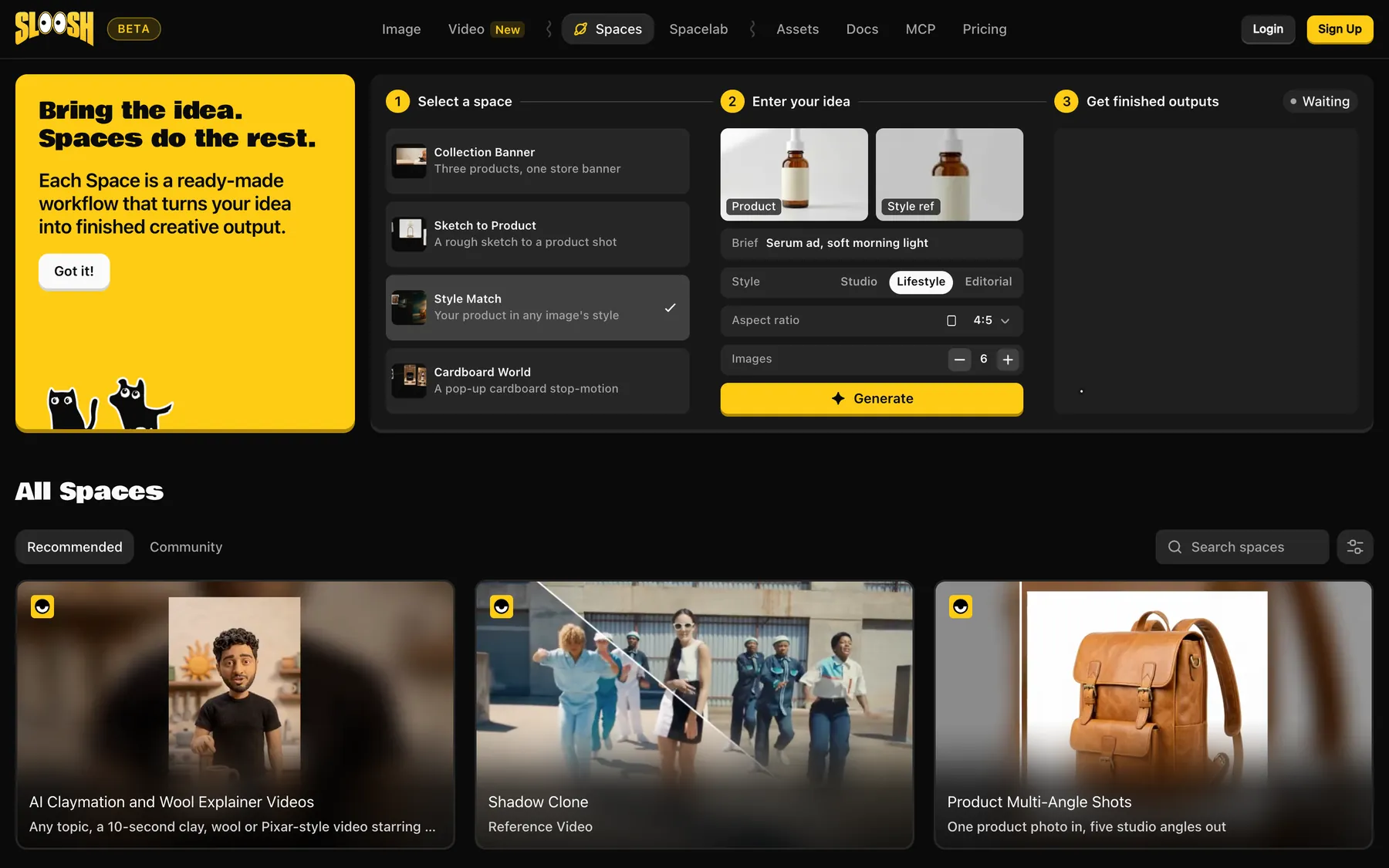
The Sloosh Spaces page: pick a Space such as Style Match, add a product photo and a brief, then generate

Make product photos and video ads from a ready-made Space

A Space is a finished workflow behind a short form. Add a product photo and a brief, and you get the same kind of result every time: multi-angle product shots, your product in a new scene, or a creator-style selfie video ad.

SPACELAB
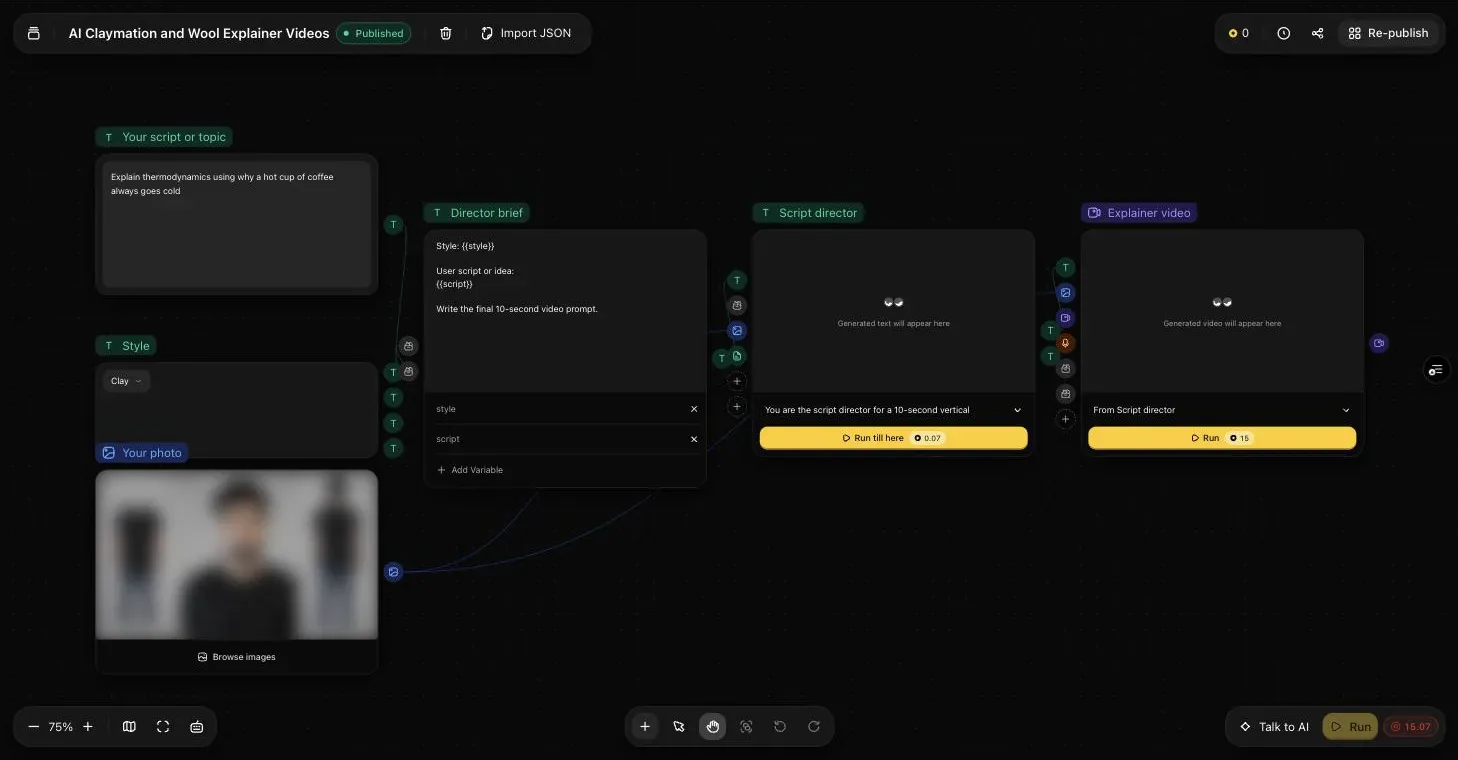
A Spacelab canvas on sloosh.ai: text and photo inputs wired into a prompt, a text model and a video model, each model with its own Run button

Build your own image and video workflow

Spacelab is a canvas of nodes. Wire inputs, prompts, image and video models and edits together, then run the whole canvas or test one node at a time. Publish it as a Space, and anyone can run it from a simple form.

TEMPLATES
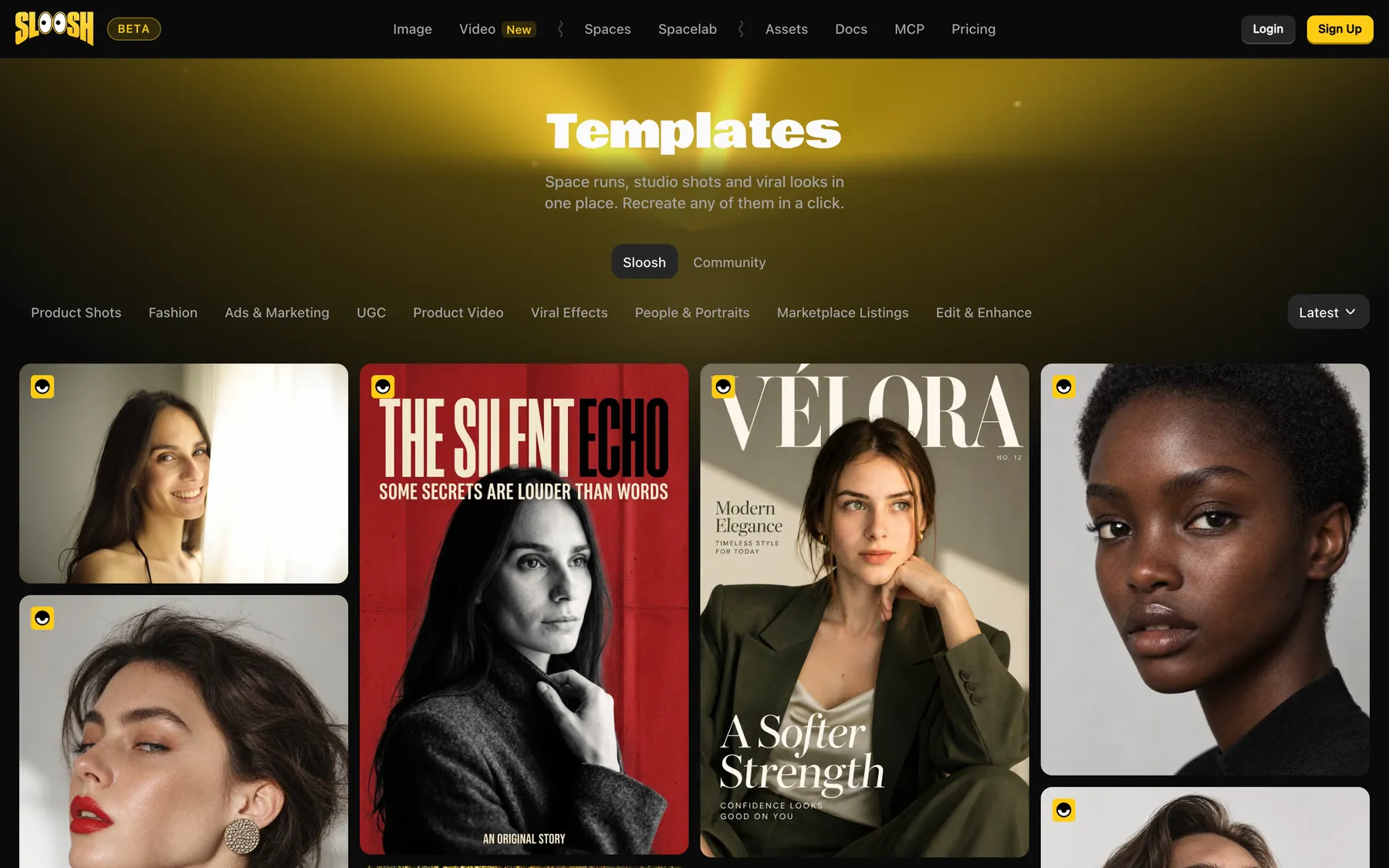
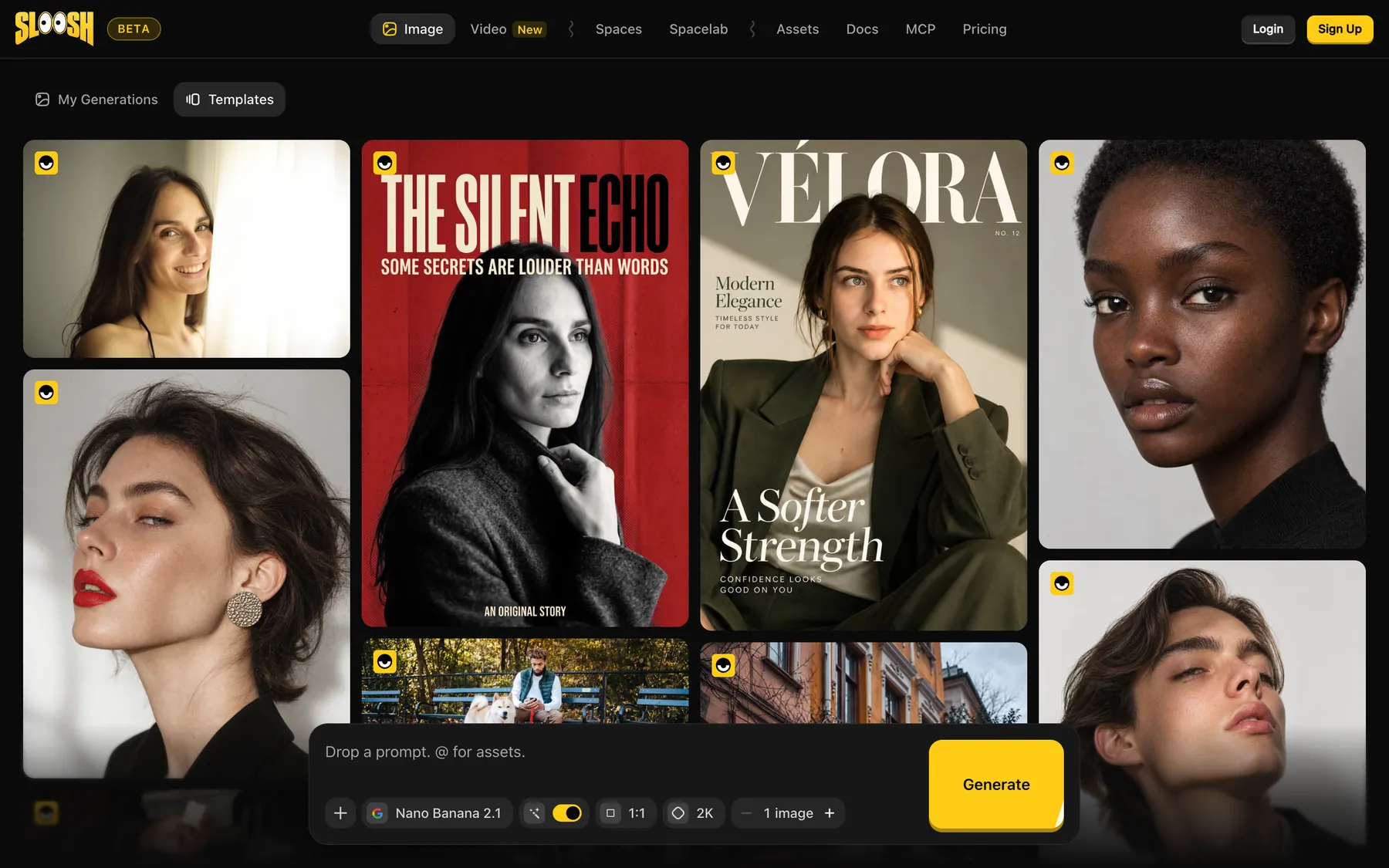
The Sloosh Templates page, filtered by category, with portrait and magazine-cover templates to recreate

Recreate a published image or video with your own inputs

Templates are published generations with the inputs that made them. Open one and recreate it with your own inputs.

MCP
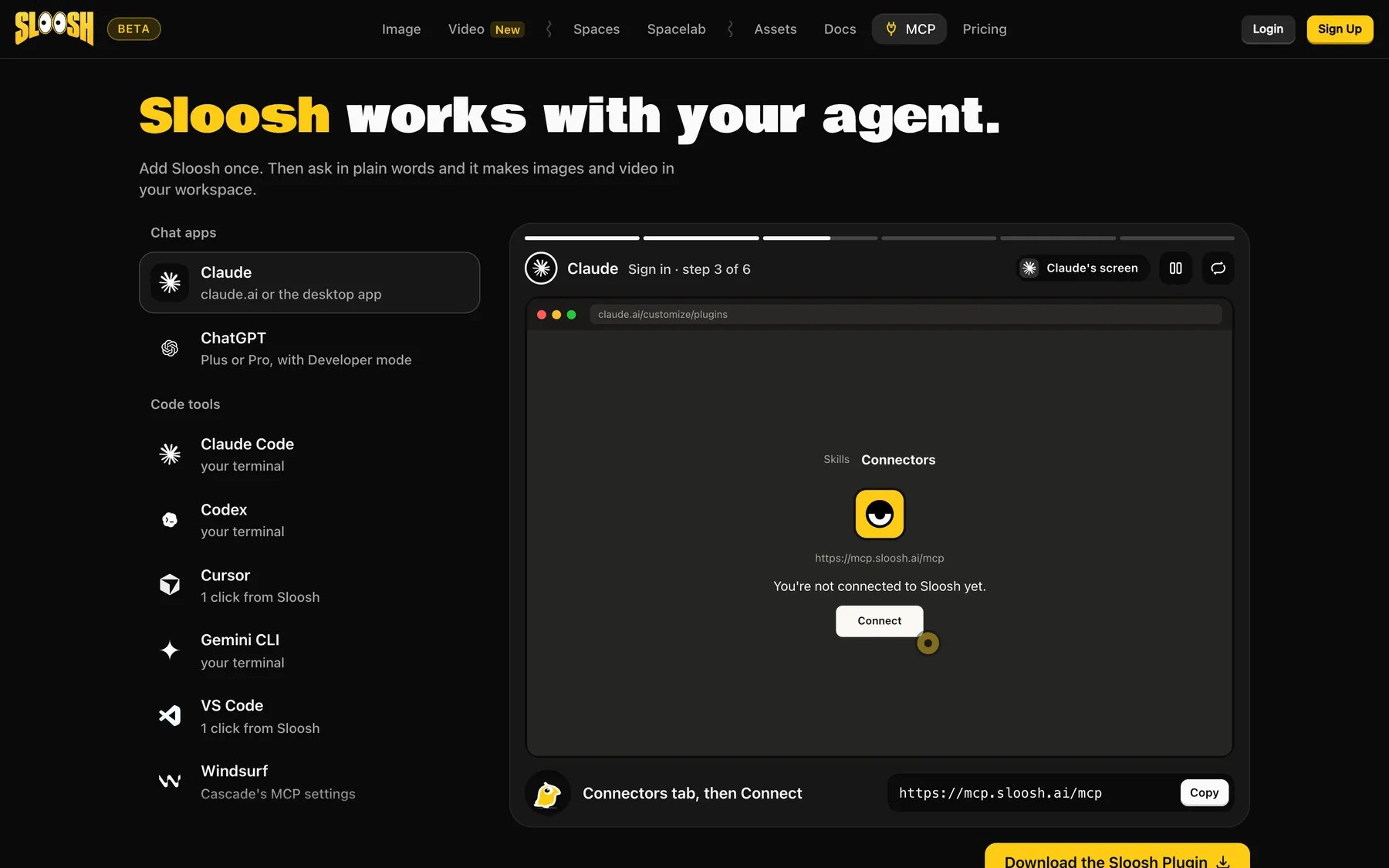
The Sloosh MCP page, showing how to connect Claude, ChatGPT, Claude Code, Codex, Cursor and other agents to Sloosh

Generate from Claude, ChatGPT or Cursor over MCP

Connect Claude, ChatGPT, Cursor or Codex to the Sloosh MCP server and ask in plain words. It generates in your workspace. You sign in through the browser, so there are no API keys to paste.

How to start

  1. Step 1

    Check your access

    Sloosh is invite-only while in beta. Enter your email on sloosh.ai to see if you are in. Your first workspace gets 20 starter credits.

    Check your Sloosh access
  2. Step 2

    Pick a model or a Space

    Open Image or Video in Studio and choose a model, or pick a Space for a set job like product shots or a video ad.

  3. Step 3

    Generate AI product photos and ads

    Add your prompt or photos and press Generate. The button shows the credit cost before you run, and credits for a failed generation may be refunded.

Model limits in Sloosh

What three popular models make inside Sloosh, from the Sloosh docs.

Nano Banana ProType: ImageOutput: 1K, 2K or 4K imagesInputs: Up to 14 reference images
Seedance 2.5Type: VideoOutput: 4 to 30 second clips at 480p, 720p or 1080p, sound on by defaultInputs: Up to 30 reference images and 10 reference videos
Kling 3.0Type: Image to videoOutput: 3 to 15 second clips, sound on by defaultInputs: A start image (required) and an optional end image

Plans set some limits too: Creator makes videos up to 8 seconds, Pro and Max any length.

Commercial use and your data

  • You can use what you make commercially

    HOM.AI PTE. LTD., which runs Sloosh, does not claim ownership of your outputs. Once the credits are spent, you get a perpetual, worldwide, royalty-free licence to use, change, sell and pass on what you generate, including to your clients. Models marked non-commercial in Sloosh are the exception, and some models require attribution.

  • Your uploads stay yours

    You keep ownership of your prompts, photos and files. HOM.AI does not use your inputs or outputs to train its own AI models, and does not sell your personal data.

  • Model providers see your inputs

    Prompts and files go to the third-party model that runs your generation. Depending on the provider, it may keep them for a while or use them to improve its models, under its own terms.

The Terms limit commercial use of inputs you don't own, such as photos of other people or another brand's logo: you need their rights or consent first. Read the full Sloosh Terms of Service and Sloosh Privacy Policy.

Sloosh and ShopOS

Sloosh is a ShopOS product, built by the same team. ShopOS is your brand's AI team of agents and human experts. Sloosh is the studio you run yourself, with its own plans at sloosh.ai.

If you want the work done for you, meet the ShopOS agents or talk to our team.

Sloosh questions

Sloosh is an AI image and video studio made by ShopOS. You can prompt image and video models in Studio, run ready-made workflows called Spaces, build your own in Spacelab and recreate published templates. It lives at sloosh.ai.

Yes. Sloosh is a ShopOS product, built by the same team. It has its own sign-up and plans at sloosh.ai.

No. Sloosh has three paid plans: Creator at $19 a month, Pro at $49 per seat a month and Max at $99 per seat a month. Your first workspace gets 20 starter credits once, so you can try it before you pay. Credits for a failed generation may be refunded.

Yes. Add the Sloosh MCP server to your AI tool, sign in with your Sloosh account in the browser, and ask for images, video or a Space run in plain words. Agent access over MCP is on the Pro and Max plans.

Studio is one prompt, one model, one result. A Space is a finished workflow behind a form that gives the same kind of result every time. Spacelab is the canvas where you build a workflow and publish it as a Space.

Your first workspace gets 20 starter credits.